


Story Content
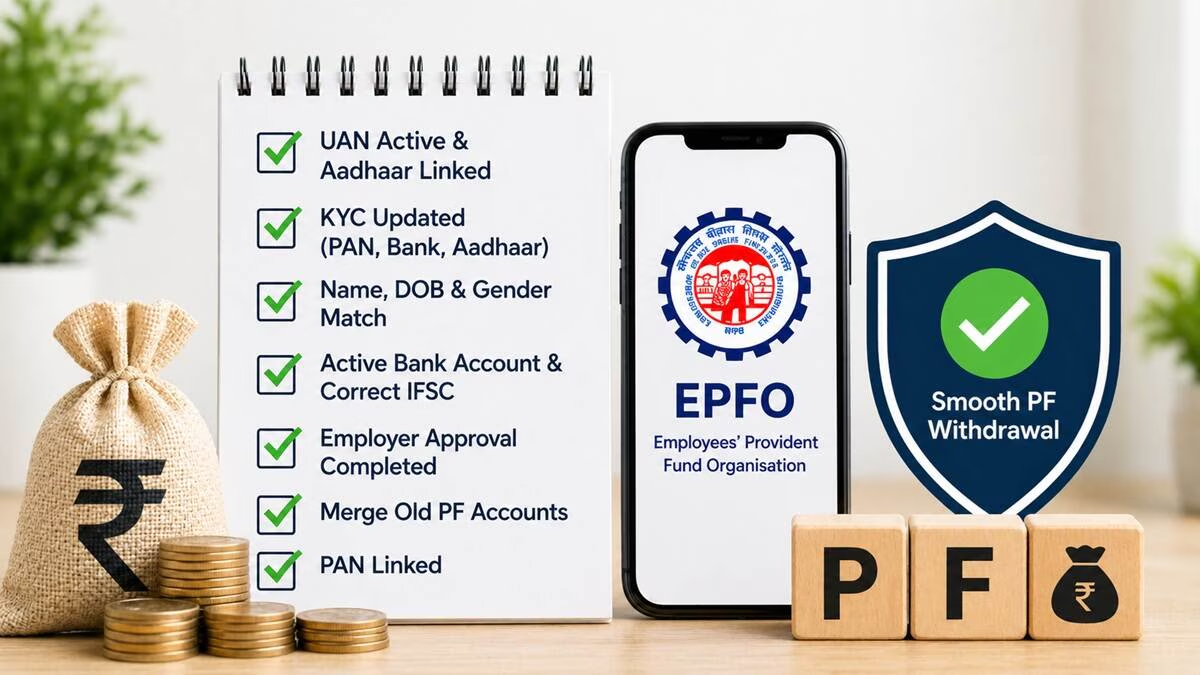
Claims submitted to the Employees' Provident Fund Organisation (EPFO) are often rejected due to small mistakes, causing delays in receiving your provident fund (PF).
Here's how you can ensure your PF claims aren't rejected in 2016:
- Activate UAN and Seed Aadhaar: Login to Unified Member Portal (unifiedportal-mem.epfindia.gov.in). This should include your UAN being activated and Aadhaar seeded and verified. This is required for most online claims.
- Keep KYC (Aadhaar, PAN, and bank account). Updated: updates KYC with Aadhaar, PAN & bank account. Name, DOB, and gender should be the same as Aadhaar. A slight difference (even spelling) causes rejection.
- Unit's Bank Details: Proper bank account & IFSC Code. Do not use joint accounts (unless it's your spouse). Obtain consent for bank KYC.
- Date of Exit (DOE): Get your last employer to mark the date of exit. Self-declaration is possible.
- Select Correct Claim Form: File the form (Form 19 PF, 10C pension, or 31 advance) and fulfill conditions (e.g., 2 months without work for a full claim).
- Use the Joint Declaration as Required: If you need to correct your name / DOB, use the Joint Declaration form signed by you and your employer.
- Regularly Check Application Status: Keep an eye on your claim on the EPFO portal and resolve any problems promptly.
- Tip: Checks before you pay! Do the KYC process ahead of time. If not approved, search in the portal to know why and reapply after correction.
This will help ensure speedy PF settlement.



Comments
Add a Comment:
No comments available.